SocksDroid || SocksDroid APK || SocksDroid GitHub || SocksDroid APK Download || SocksDroid IP Address
SocksDroid: Complete Guide to the Android SOCKS5 Proxy App, APK, GitHub & More
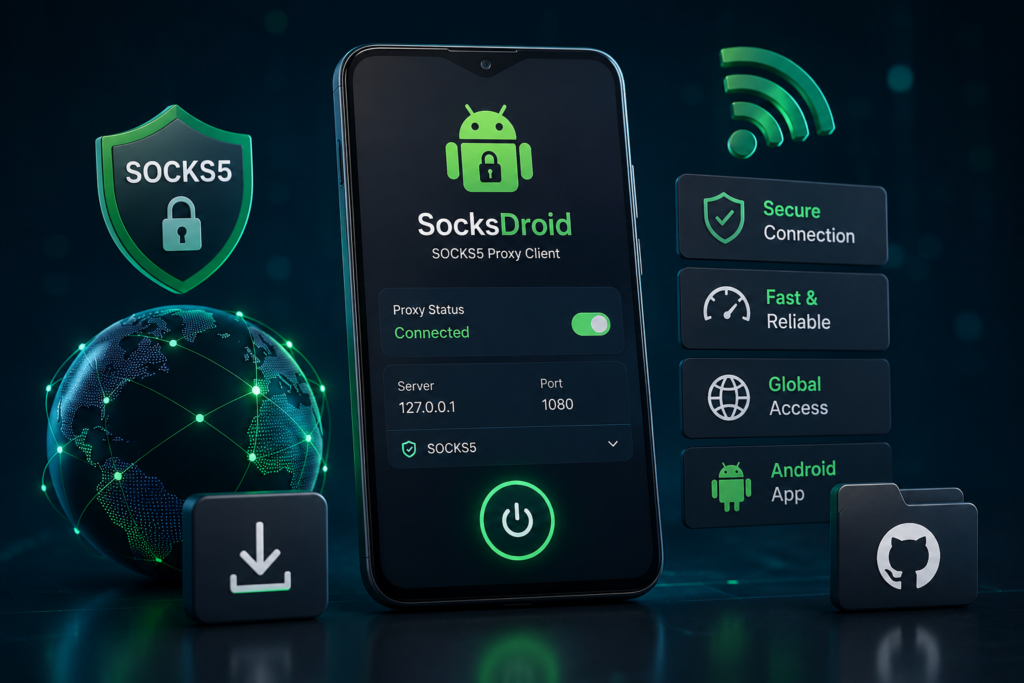
Technology has made online privacy more important than ever. Whether you’re working remotely, testing applications, bypassing network restrictions, or protecting your internet traffic on public Wi-Fi, using a reliable proxy client can be extremely useful. SocksDroid is one of the Android applications designed specifically for this purpose.
Unlike a traditional VPN service, SocksDroid acts as a lightweight SOCKS5 proxy client. It allows Android users to route internet traffic through a SOCKS5 proxy server using Android’s built-in VPN framework, without requiring root access. The project is open source and is intended for users who need greater control over how their device connects to the internet.
This guide explains everything you need to know about SocksDroid, including SocksDroid APK, SocksDroid GitHub, SocksDroid Play Store, per-app routing, proxy settings, PC compatibility, iOS alternatives, and much more.
What Is SocksDroid?
SocksDroid is an Android application that routes internet traffic through a SOCKS5 proxy server. Instead of encrypting all traffic like a traditional VPN service, it redirects supported network connections through a SOCKS5 proxy to help change the visible IP address and provide greater flexibility for networking tasks. It uses Android’s VPNService API, so no root access is required.
The application is popular among developers, network administrators, privacy-conscious users, and people who need to test applications through different proxy servers.
How Does SocksDroid Work?
SocksDroid creates a local VPN interface on Android. This VPN does not necessarily function like a commercial VPN provider. Instead, it forwards your internet traffic to a SOCKS5 proxy server that you configure.
The basic process works like this:
- Install SocksDroid.
- Enter the SOCKS5 server IP address.
- Specify the proxy port.
- Add a username and password if required.
- Connect through the local VPN interface.
Once connected, compatible internet traffic is routed through the configured proxy server.
What Is a SOCKS5 Proxy?
A SOCKS5 proxy is a network protocol that forwards internet traffic between your device and the destination server. Unlike an HTTP proxy, SOCKS5 supports many different types of network traffic, making it suitable for applications, games, messaging services, and other internet-enabled software.
Many users choose SOCKS5 because it can:
- Hide the visible IP address.
- Bypass certain network restrictions.
- Support TCP and UDP traffic.
- Work with many internet applications.
- Require minimal configuration.
SocksDroid APK
Many users search for SocksDroid APK or SocksDroid APK download when they want to install the application manually.
If you download the APK version, always use the official project repository or trusted sources. Avoid modified APK files from unknown websites because they may contain malware or unwanted code. The official documentation specifically recommends using trusted release sources for installation.
SocksDroid GitHub
One of the reasons SocksDroid is trusted by many Android enthusiasts is that it is open source. The project’s source code is available through public repositories, allowing developers to review the code, report issues, and contribute improvements. Updated forks supporting newer Android versions are also available.
Open-source software provides greater transparency because anyone can inspect how the application works.
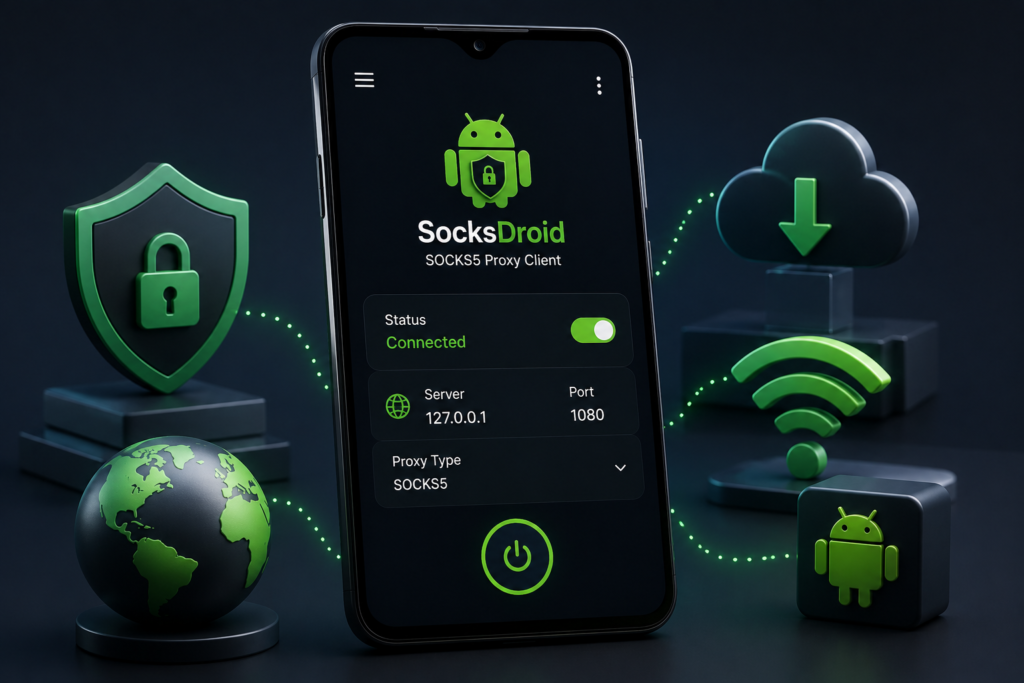
SocksDroid Proxy Settings Screen
The SocksDroid proxy settings screen is intentionally simple. Depending on the version, you’ll typically configure:
- Proxy IP address or hostname
- Port number
- Username (optional)
- Password (optional)
- Save or Apply settings
After configuration, Android requests permission to create the VPN interface, which SocksDroid uses to route traffic.
SocksDroid IP Address
The SocksDroid IP address refers to the IP address of the SOCKS5 proxy server you enter into the application—not the app itself.
When connected successfully, many websites and services will see the proxy server’s IP address instead of your device’s public IP, depending on how your traffic is routed.
SocksDroid Android App
The SocksDroid Android app supports Android devices running Android 5.0 or later and does not require root access. It is designed to be lightweight, consume minimal battery power, and provide a straightforward setup process.
Some notable features include:
- SOCKS5 proxy support
- No root required
- Lightweight interface
- Multiple proxy profiles
- VPNService integration
- Low battery usage
SocksDroid Android App SOCKS5 Support
The application’s primary purpose is SOCKS5 connectivity. Once configured with a compatible SOCKS5 server, it routes supported internet traffic through that server.
This makes it useful for:
- Testing applications
- Development environments
- Public Wi-Fi protection (when used with trusted proxies)
- Accessing services through a different IP
- Proxy-based networking
SocksDroid Per-App Routing
Some versions or forks of SocksDroid support per-app routing, allowing users to choose which Android apps use the proxy while leaving others on the normal internet connection. Availability depends on the version you install.
SocksDroid for PC
There is no official Windows version of SocksDroid.
However, users sometimes run the Android application through Android emulators such as Android Studio or BlueStacks for testing purposes. If you need a native desktop solution, dedicated SOCKS5 proxy clients for Windows, macOS, or Linux are generally a better choice.
SocksDroid for iOS
Currently, SocksDroid is designed for Android only.
There is no official SocksDroid for iOS. iPhone and iPad users who require SOCKS5 support typically use other networking applications that support custom proxy configuration.
SocksDroid Play Store
Availability on the Google Play Store can vary by region and over time. Because the project is open source, many users obtain it through official repositories or project releases instead. Always verify that you are downloading the authentic application from trusted sources.
SocksDroid Mod APK
SocksDroid: Complete Guide to the Android SOCKS5 Proxy App, APK, GitHub & More
Many websites advertise a SocksDroid Mod APK, but installing modified versions is not recommended.
Modified APKs may:
- Contain malware
- Steal personal information
- Break application functionality
- Introduce security vulnerabilities
- Remove important updates
For security reasons, use only official releases.
SocksDroid Alternatives
If SocksDroid does not meet your needs, several alternatives support proxy or VPN functionality on Android.
Popular alternatives include:
- Orbot
- Shadowsocks
- Every Proxy
- WireGuard
- OpenVPN for Android
- NetGuard (for advanced routing)
Each tool serves different networking requirements.
Is SocksDroid Safe?
SocksDroid itself is generally considered safe when downloaded from official sources. Since it is open source, its code can be reviewed publicly. However, your privacy also depends on the SOCKS5 proxy server you use. A poorly managed or malicious proxy can still expose your traffic, so choose trusted providers and use HTTPS whenever possible.
Conclusion
SocksDroid is a practical Android application for users who need a lightweight SOCKS5 proxy client without rooting their devices. Its open-source nature, simple configuration process, and support for Android’s VPNService API make it a popular choice for developers, privacy enthusiasts, and network testers.
Whether you’re searching for SocksDroid APK, SocksDroid GitHub, SocksDroid proxy settings screen, SocksDroid Android app SOCKS5, or download SocksDroid, always use trusted sources and configure the app with a reliable SOCKS5 proxy server to ensure the best experience.
Frequently Asked Questions
What is SocksDroid?
SocksDroid is an open-source Android SOCKS5 proxy client that routes internet traffic through a SOCKS5 server using Android’s VPNService API.
Is SocksDroid free?
Yes. SocksDroid is free and open source.
Where can I download SocksDroid APK?
Download the APK only from the official project or trusted repositories. Avoid unofficial modified APK websites.
Is SocksDroid available on Google Play Store?
Availability may vary, so check the current Play Store listing or the official project resources.
Does SocksDroid require root?
No. It works without root access by using Android’s VPNService API.
Can I use SocksDroid on Windows?
There is no official PC version, although it may run through Android emulators.
Does SocksDroid support iPhone?
No. There is currently no official iOS version.
What is the SocksDroid IP address?
It refers to the SOCKS5 proxy server address that you configure inside the application.
Is SocksDroid Mod APK safe?
Modified APKs are not recommended because they may pose security risks.
Does SocksDroid support per-app routing?
Some versions and forks include per-app routing features, allowing selected apps to use the configured proxy.